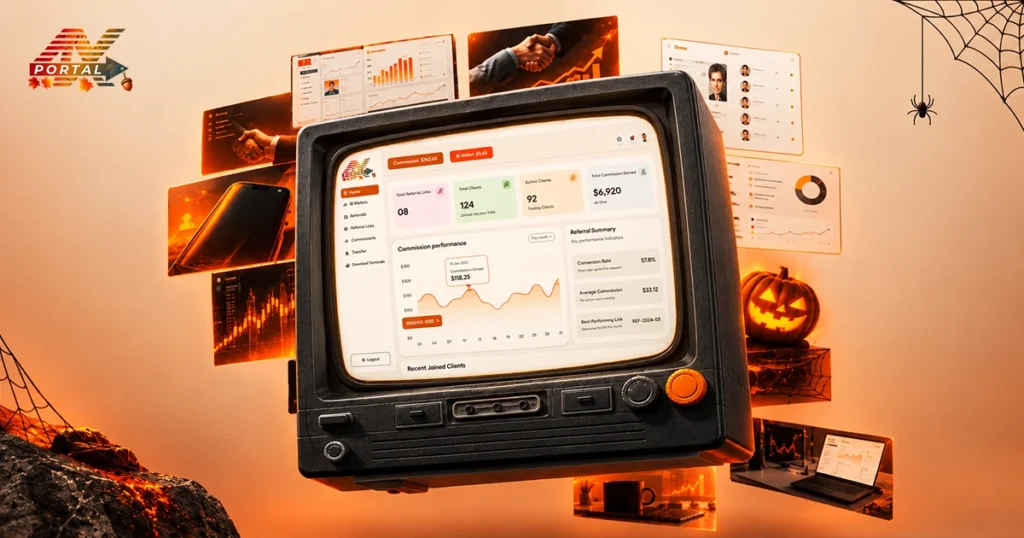
Managing a brokerage is not only about keeping track of client records. Teams also need to monitor deposits, withdrawals, trading accounts, compliance requests, support tickets and daily business activity.
A clear overview makes it easier to spot what needs attention, review daily activity, and decide where to focus next.
Why a Centralized Dashboard Matters Brokerages?
Brokerage operations such as client registration, a deposit request, a KYC application, and a support ticket may require a response, all within the same day. Without a central overview, teams may need to switch between multiple sections to understand the current situation.
This can make routine monitoring more time-consuming and leave managers with an incomplete picture of daily activity. A brokerage management dashboard helps bring these moving parts into view. With a centralized dashboard, teams can:
- Monitor important operational metrics from one place.
- Review pending requests and identify items that need attention.
- Track deposits, withdrawals, and trading volumes.
- Keep an eye on client activity and support requests.
- Review available charts and analytics to understand operational trends.
The goal is not simply to display more information. It is to make the information easier to find, understand, and use.
ATARIA CRM: Brokerage’s Command Center
ATARIA CRM is crafted specifically for brokerages, putting you in the driver’s seat with features that help you:
- Manage leads and clients effortlessly.
- Track sales pipelines in real time.
- Communicate with clients and team members within one platform.
- Generate customizable reports instantly.
Most importantly, it integrates smoothly with your existing tools, so the transition is quick and painless.
Key Operations
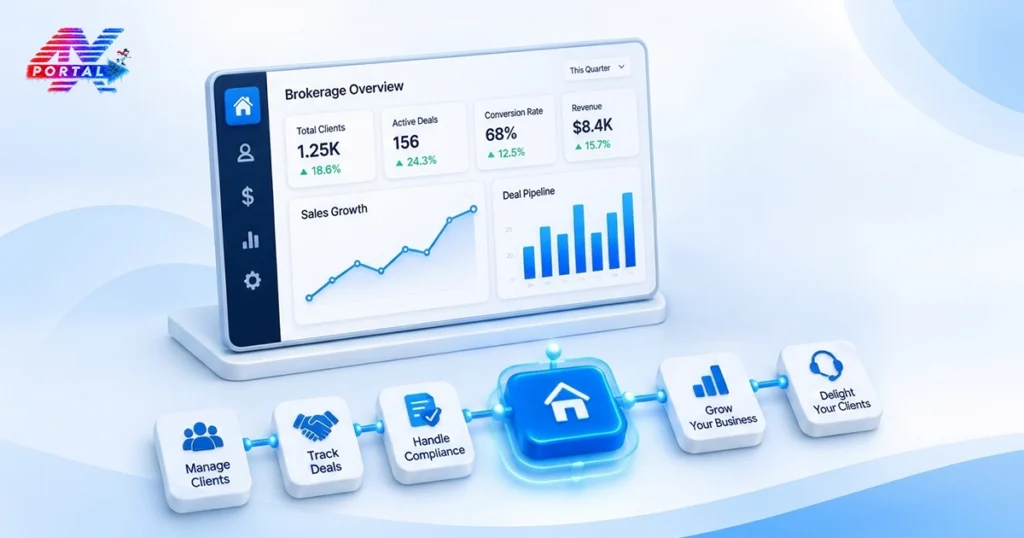
It provides a dashboard designed to give brokerage teams an overview of important business activities. Instead of relying on separate reports for every routine check, users can review key indicators from a central interface. Here’s a closer look at the information available through the dashboard.
Monitor Client and Employee Activity
Understanding the activity of clients and employees helps managers maintain a clearer view of the people involved in daily business processes. Teams can then explore the relevant CRM sections when they need more detailed information.
Keep Track of Deposits, Withdrawals, and Trading Volume
Financial activity is another important part of brokerage management. Teams need visibility into incoming deposits, withdrawal activity, and trading volume to understand what is happening across their operations.
For more detailed follow-up, the Funds module provides access to deposit and withdrawal requests, including their statuses.
Identify Pending Requests and Support Tickets
Not every operational task is completed as soon as it enters the system. Some requests need verification, approval, or a response from the relevant team. If these items go unnoticed, routine work can become harder to coordinate. It highlights several areas that may require attention, including:
- Pending tickets
- Open support tickets
- KYC approval requests
- Deposit payment preferences
These indicators help teams identify outstanding work and decide which items to review first. Rather than checking every section from scratch, users can begin with the dashboard and move to the relevant module for further action.
Take Control of Your Brokerage Today
Don’t let scattered data slow you down. With ATARIA CRM, one dashboard gives you a clearer, sharper picture of your entire brokerage operations. To see how this tool can transform your business, Schedule A Demo now.





 CRM Solutions


 Consulting


 Services
 Company