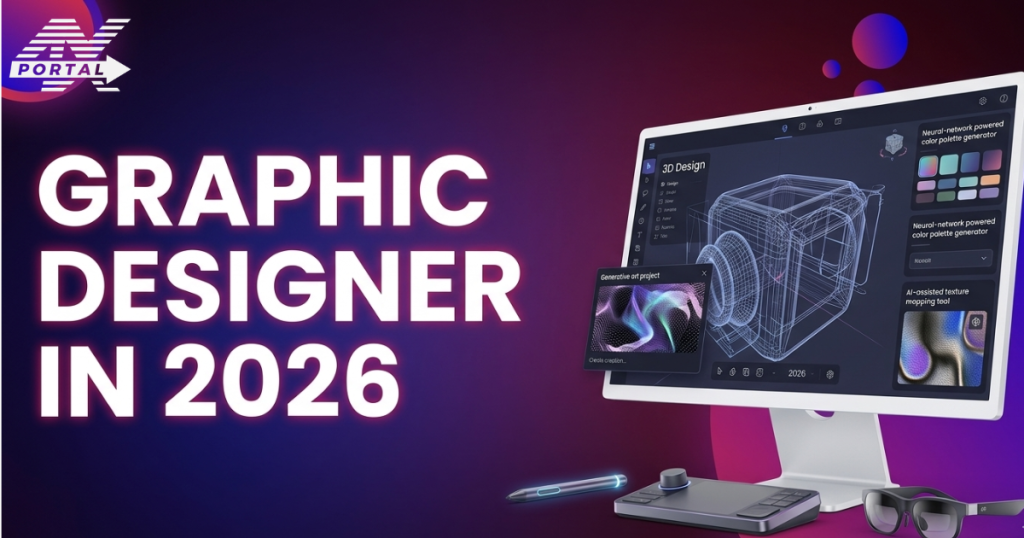
Design is the most powerful skill of the digital world. Every logo, website layout, social media post, and mobile app interface that you see is shaped with a creative eye and the right tools. But in 2026, the design world isn’t the same as it was a few years ago. New design tools, AI-assisted workflows, and evolving digital platforms are changing designer’s work and skills that matter.
It’s no surprise that in 2026, people are exploring how to become a graphic designer? The good news is that beginners can learn faster than ever with the help of modern software, online learning platforms, and creative communities. Let’s read this article to learn the essential skills, tools, and creative habits to become a successful designer of the digital industry in 2026.
Why Become a Graphic Designer in 2026?
Visuals are doing most of the talking in today’s digital world. Brands need eye-catching graphics for social media posts, NFT artwork, online classes, and digital advertising. This growing demand means they’re essential for businesses that want to stand out.
- Earning potential is another big draw. Freelance designers often charge from $30 to $100 per hour, depending on experience and niche. Full time design roles also offer a salary of around $60,000 a year.
- Flexibility Factor is hard to ignore. A graphic design career fits perfectly with the modern gig economy. Some designers work remotely, while others treat it as a side hustle with a job.
In 2026, design is entering a new phase where AI design tools and human creativity work side by side. Tools can speed up layouts, generate concepts, and handle repetitive tasks, while designers focus on storytelling, branding, and originality. In short, becoming a graphic designer in 2026 is about combining technology, creativity and digital communication in a fast career growth throughout the year.
Essential Graphic Designer Skills You Should Learn
Good design is about communicating ideas clearly through visuals. When beginners learn the core principles and combine them with the right tools and mindset, their work becomes far more effective and professional.
Core Design Fundamentals
Every successful designer relies on a foundational concept that shapes how visuals are created and understood.
- Color Theory
- Basics of Typography
- Layout & Composition
- Visual Hierarchy
Technical Tools that Designers Use
Once the fundamentals are clear, designers rely on industry tools to bring ideas to life. Each tool serves a different role in creative workflow.
- Adobe Photoshop
- Adobe Illustrator
- Figma
- Canva
- AI-assisted Design Tool
Soft Skills That Matter
- Creativity and Problem Solving
- Communication with Clients
- Time Management
- Understanding User Behavior
In simple terms, graphic designer skills come from balancing creativity, technical knowledge and practical thinking.
Build a Portfolio That Shows Your Creativity
A strong portfolio speaks louder than a formal degree. In this creative field, people want to see what you can actually create, not just what you have studied. What to include in your portfolio:
- Logo Design to show your branding ability.
- Branding Projects
- Website Mockups
- Social Media Design
Tips for Strong Portfolio
- Show your design process, from rough ideas to the final concept.
- Add before-and-after examples to highlight improvements.
- Briefly explain the problem your design solved and the goal behind it.
When people can see your thinking, not just the finished artwork, your work feels more credible and professional. In many cases, a clear and thoughtful portfolio can open doors faster than a long list of qualifications.
How to Start Designing if You’re a Beginner?
Getting started in design world could be a little difficult at first. But don’t worry, below are practical steps that can help beginners move from curiosity to real creative work.
Learn the Basics
Don’t worry about complex tools or trendy effects, start with the core principles of visuals. Some important foundation include:
- Color theory – understanding how colors work together and influence emotion.
- Typography – choosing fonts that are readable and visually balanced.
- Layout and composition – organizing elements so the design feels clear and structured.
- Visual hierarchy – guiding the viewer’s eye to the most important information first.
If you’re serious about building graphic designer skills, spend time studying these fundamentals. They are the backbone of good visual communication.
Choose Beginner-Friendly Tools
One common mistake beginners make is jumping straight into complex software. Professional tools are powerful, but they can also slow you down if you’re still learning the basics. Start with simple platforms that make experimentation easy.
- Canva – great for learning layout, color combinations, and social media design.
- Figma – widely used for digital design, especially web and app interfaces.
- Adobe Express – simple tools for quick visual content.
These platforms allow beginners to focus on creativity instead of technical complexity. Once you feel comfortable, you can gradually move toward more advanced tools like Photoshop or Illustrator.
Practice With Small Projects
Design is a skill that improves through repetition. Reading about design helps, but actually creating things is where real learning happens. Start with small projects that allow you to experiment.
- Social media graphics
- Logo concepts
- Posters or event graphics
- Website mockups
These exercises help you develop a sense of layout, spacing, and visual balance. Even if the results aren’t perfect at first, that’s completely normal. Every design you create improves your instincts.
Study Real-World Designs
One of the fastest ways to improve is by observing how professional designers work. Pay attention to visual content around you:
- Brand campaigns on social media
- Website layouts from popular companies
- Advertisements in digital platforms
- Packaging designs and product visuals
Start your journey today with 4x Portal and explore beginner-friendly tools, practice projects, and expert tips to build your graphic skills.