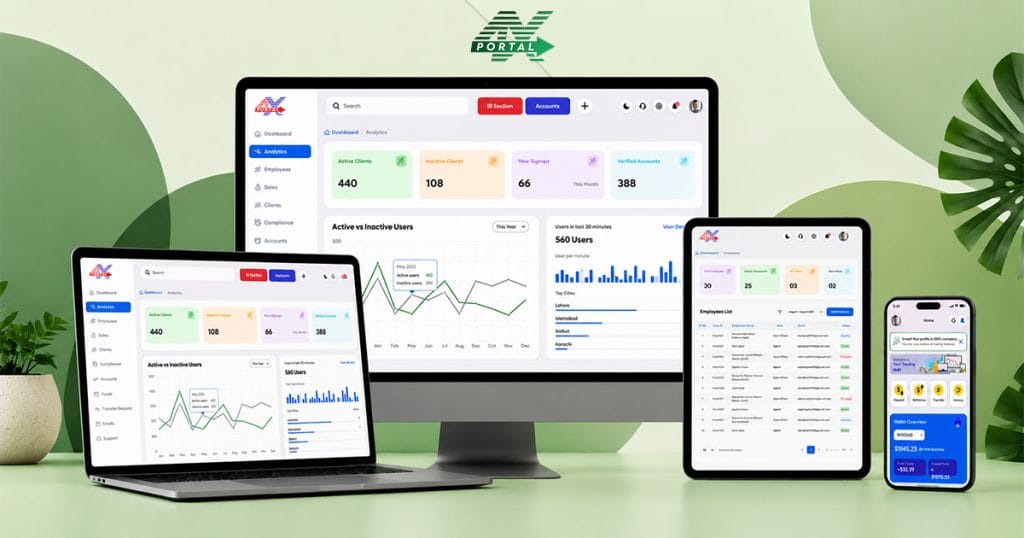
Your team doesn’t live at a desk. They live in calls, meetings, WhatsApp groups, and quick decisions between back-to-back Zooms. If your CRM only works well on desktop, you’re already losing speed, data, and deals.
ATARIA CRM flips that script. Its mobile app let you run your entire broker/fintech operation from your phone—shaped exactly to your process, not a generic template.
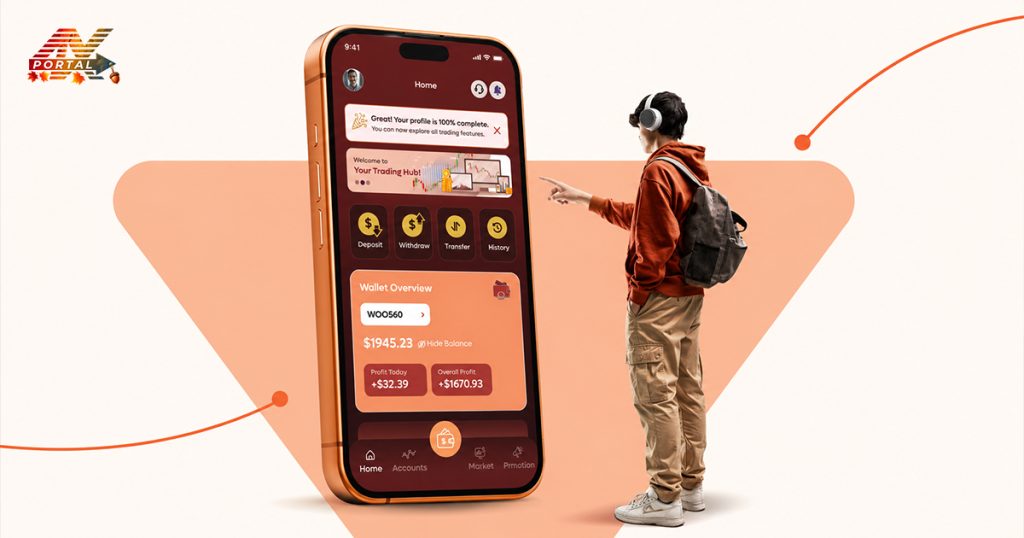
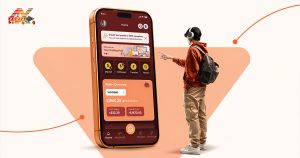
Introducing the ATARIA CRM Mobile Application
The ATARIA CRM Mobile Application extends the CRM experience to mobile devices, giving users another way to access the platform and stay connected to their operations. The purpose is not to replace the desktop environment.
Instead, the mobile application gives teams greater flexibility in how and where they access CRM. The platform brings its core operational areas into a mobile environment, including:
- Dashboard
- Clients
- Compliance
- Accounts
- Funds
- Support
- Promotions
- Notifications
- Reports
This creates a more connected experience for teams that cannot always remain in front of a desktop.
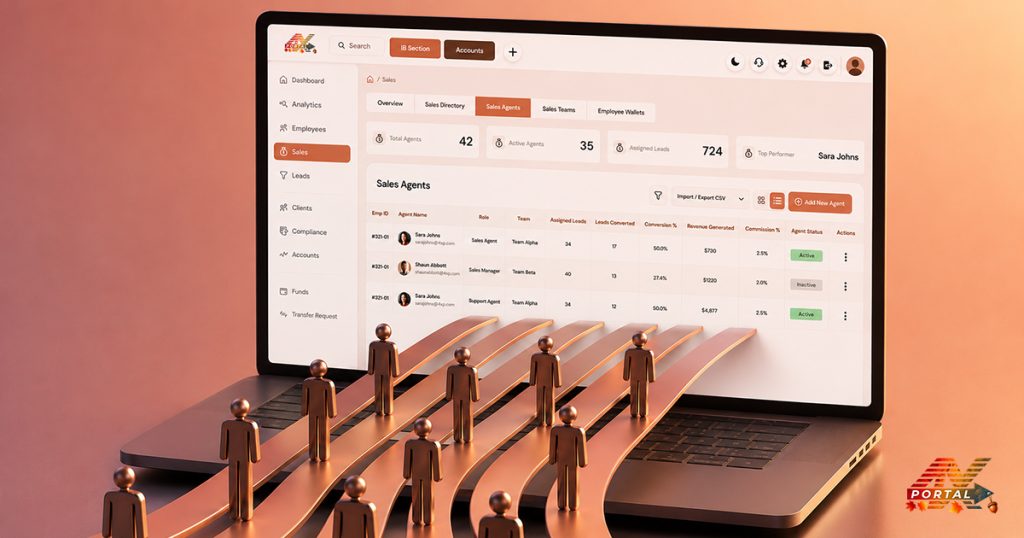
The Same Operational Environment, Beyond the Desktop
Desktop systems remain important for detailed operational work, but business does not always happen at a desk.
- A manager may need to check operational activity while away from the office.
- A support team member may need to stay aware of ticket activity.
- An operations professional may want to review account or fund-related information without returning to a desktop.
It provides another access point to the same broader CRM environment. That means mobile access becomes an extension of the workflow rather than a separate system.
Access Without Losing the Bigger Picture
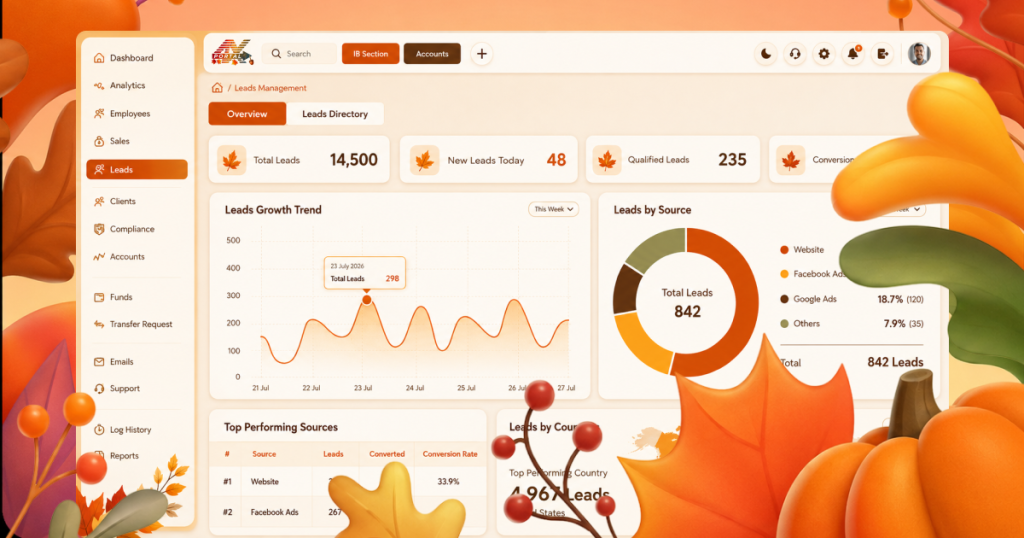
One of the strongest aspects of a mobile CRM experience is continuity. A mobile application should not feel like an isolated tool that only handles one small part of the business. It should connect users back to a wider operational environment. ATARIA CRM brings multiple areas together:
Clients → Compliance → Accounts → Funds → Support → Reports
App CRM extends this connected environment beyond the desktop, giving users another way to access the platform and stay informed. This matters because brokerage operations rarely follow a perfectly predictable schedule. Teams move between meetings, offices, client conversations, and other responsibilities. A CRM that can travel with them offers greater flexibility.
Mobile Complements the Desktop
The goal of the Mobile App is not to make the desktop irrelevant. Desktop environments remain valuable for detailed work and extended operational tasks. Mobile access serves a different purpose:
Keep the CRM within reach when a desktop is not available.
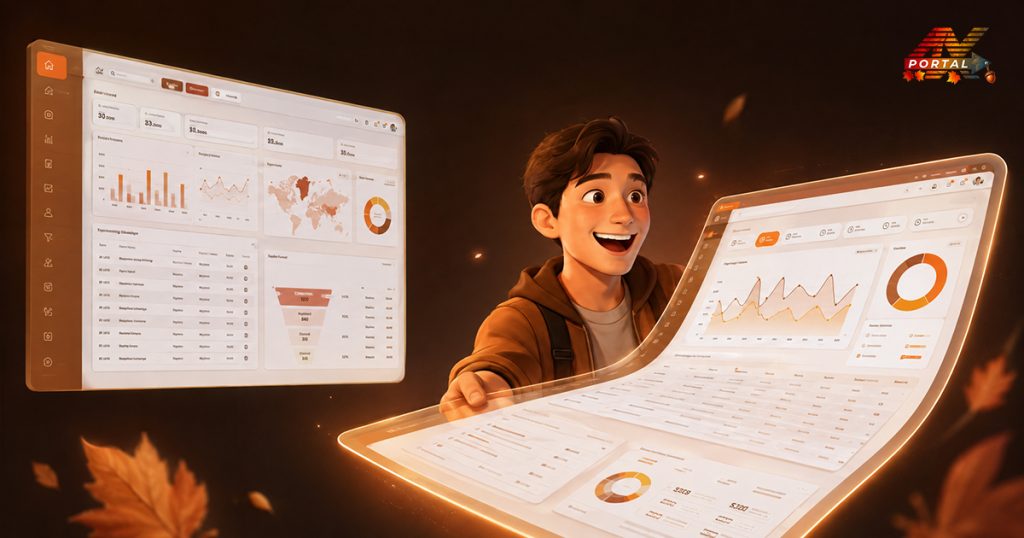
Think of it as an extension of the same workspace. The desktop provides the full working environment, while mobile access adds flexibility to the way teams stay connected with their CRM.
Together, they support a more continuous operational experience. ATARIA CRM goes beyond the desktop, bringing a more accessible and connected CRM experience wherever work takes you.
 CRM Solutions
 Services
 Media
Media Company