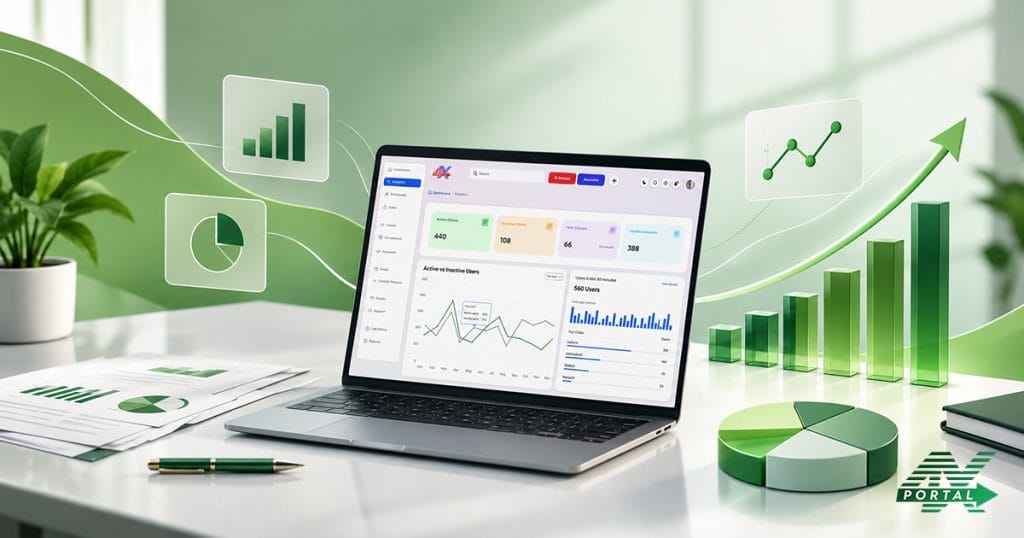
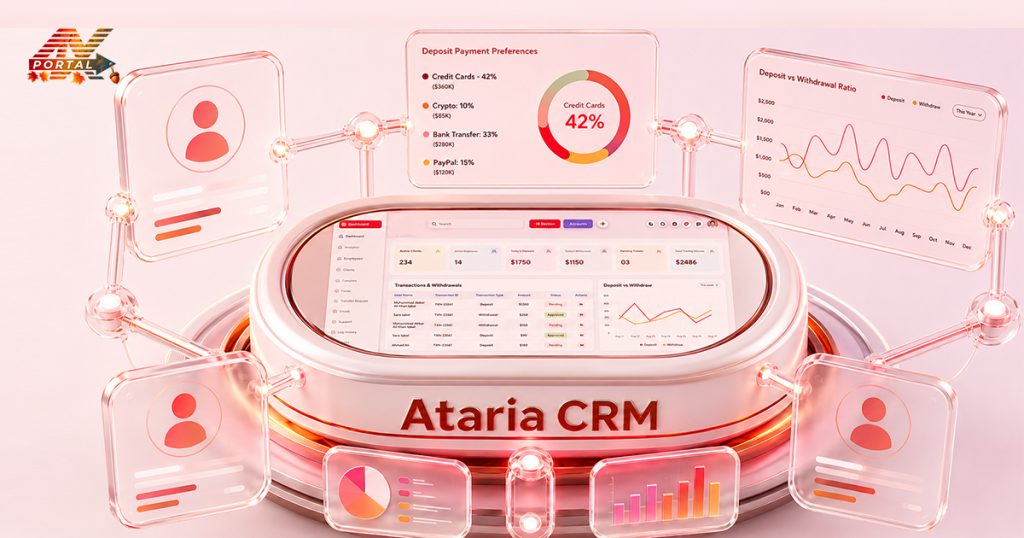
In today’s fast-paced business environment, data isn’t just numbers on a screen—it’s the key to smart decisions and growth. ATARIA CRM helps you turn raw data into clear, actionable insights. This means you can make informed choices, improve your sales, and better understand your customers—all from one powerful platform.
From Raw Data to a Clearer Picture
Brokerage operations involve many moving parts. Looking at each activity separately can make it difficult to understand the bigger picture. ATARIA CRM brings different operational areas together, including:
- Client Management
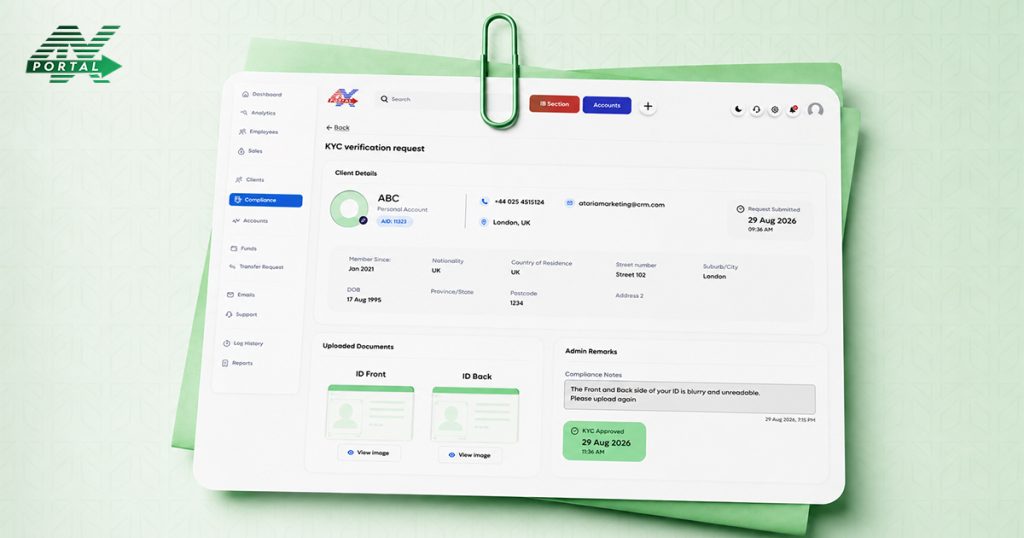
- Compliance And KYC
- Trading Accounts
- Funds
- Support
- Employee Management
Reports and analytics give teams another way to look at this information. Rather than manually gathering figures from different sections, users can work with structured data and visual reports to understand operational activity more clearly. The idea is simple:
Data → Reports → Patterns → Insights → Action
What Makes ATARIA CRM’s Reports and Analytics Stand Out?
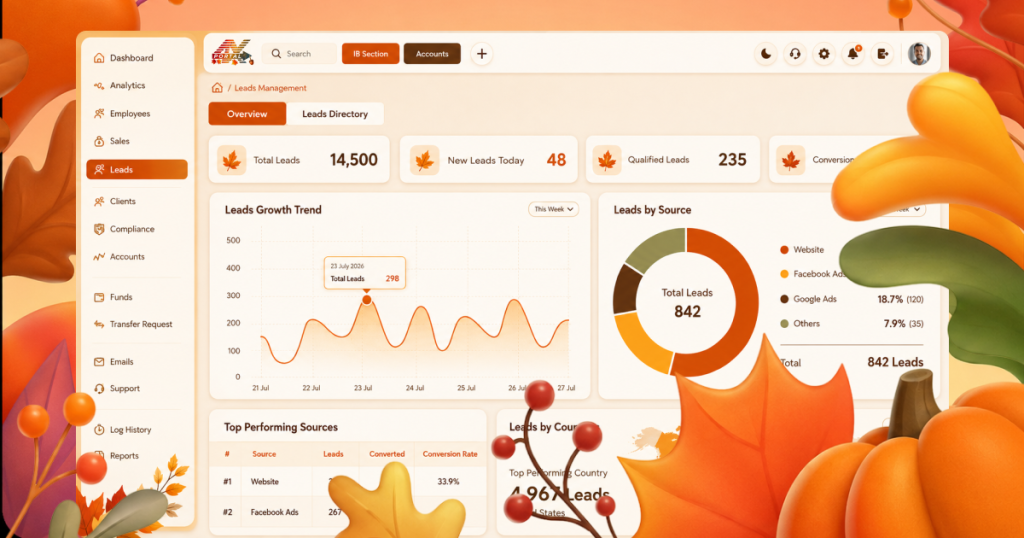
ATARIA CRM offers a robust analytics suite designed to give you a 360-degree view of your operations. Here’s what sets it apart:
- Real-time dashboards: See your key metrics updated instantly.
- Customizable reports: Build reports that focus on what matters most to your business.
- Automated scheduling: Get reports delivered when you need them, no manual effort.
- Sales tracking & forecasting: Follow your sales pipeline closely and predict future outcomes.
- Customer segmentation: Understand who your customers are and tailor your approach.
Get the Most from ATARIA CRM
Getting started is a breeze. Here’s a quick guide:
- Access the dashboard: Log in and navigate to the Reports and Analytics section.
- Choose your report: Pick from templates or create your own custom report.
- Filter your data: Use filters to zero in on specific time periods, customer groups, or products.
- Analyze results: Look for patterns, highs and lows, and anything unexpected.
- Act: Use these insights to improve campaigns, adjust sales strategies, or enhance customer service.
For example, you might generate a sales pipeline report to see which deals are closing fast, and which need attention or run a customer engagement report to find out which clients are most active.
Best Practices for Using Reports and Analytics Like a Pro
- Review regularly: Make reports part of your weekly routine.
- Train your team: Everyone should know how to read and use reports.
- Link insights to strategy: Don’t just look at data—use it to plan your next move.
- Stay flexible: Adjust reports and dashboards as your business priorities evolve.
Harness Your Data Power with ATARIA CRM
Don’t let your data gather dust. Dive into ATARIA CRM today or request a demo and start your journey toward smarter decisions.




 CRM Solutions
 Services
 Media
Media Company