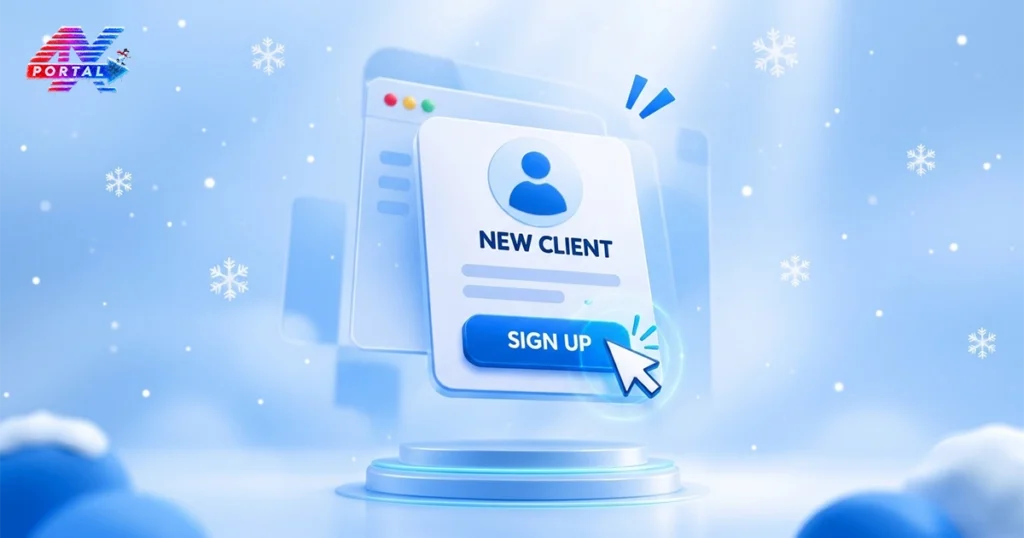
When a new client signs up, it’s just the start of an important journey. But what really happens once they hit that “Submit” button? Behind the scenes, a lot goes on to ensure the client feels valued, and businesses run smoothly.
Let’s pull back the curtain and see how ATARIA CRM revolutionizes this process, making it efficient, seamless, and personal.
The Second Zero: The System Captures the Lead
The moment a client hits “Sign Up,” their details flow straight into the CRM. Nobody types anything by hand. Here is what happens right away:
- Data capture: Name, email, phone number, company, and the source of the signup land in one record.
- Duplicate check: The system spots existing contacts, so you never create two profiles for one person.
- Clean record: Every field sits where it belongs, ready for the team to use.
ATARIA CRM gives each client a single, central profile from day one, and everyone on the team can find it.
A Warm Welcome, Without the Wait
First impressions form fast. If a client waits hours for a reply, the excitement fades. Automation keeps the momentum alive. Within minutes, the CRM can:
- Send a welcome email or message that confirms the signup.
- Assign the right account manager based on your rules, such as region, service type, or workload.
- Alert the team so the assigned person knows a new client is waiting.
Think of it as a handshake at the door.
Day 1: Onboarding Tasks Kick In
Once the welcome goes out, the real work begins. A good CRM turns your onboarding process into a clear to-do list that nobody can forget. For a typical new client, the system creates tasks such as:
- Collect the required documents.
- Schedule the kickoff call.
- Set up the client’s account or service.
- Share the onboarding guide.
Each task gets an owner, a deadline, and a reminder. If a step slips, the system flags it before it becomes a problem.
Week 1: Every Conversation Stays on the Record
Clients hate repeating themselves. A CRM makes sure they never have to. The CRM also keeps follow-ups on track:
- Scheduled check-ins that remind your team to reach out.
- Follow-up reminders after every call or meeting.
- A shared timeline that shows the whole relationship at a glance.
This kind of continuity builds trust.
Quick Answers
How does ATARIA CRM improve client onboarding?
It removes manual steps, cuts response time, and keeps every task and conversation in one place.
Is ATARIA CRM only for big companies?
No. Small teams and growing businesses often benefit the most, because automation gives them more time to focus on clients.
Why choose ATARIA CRM?
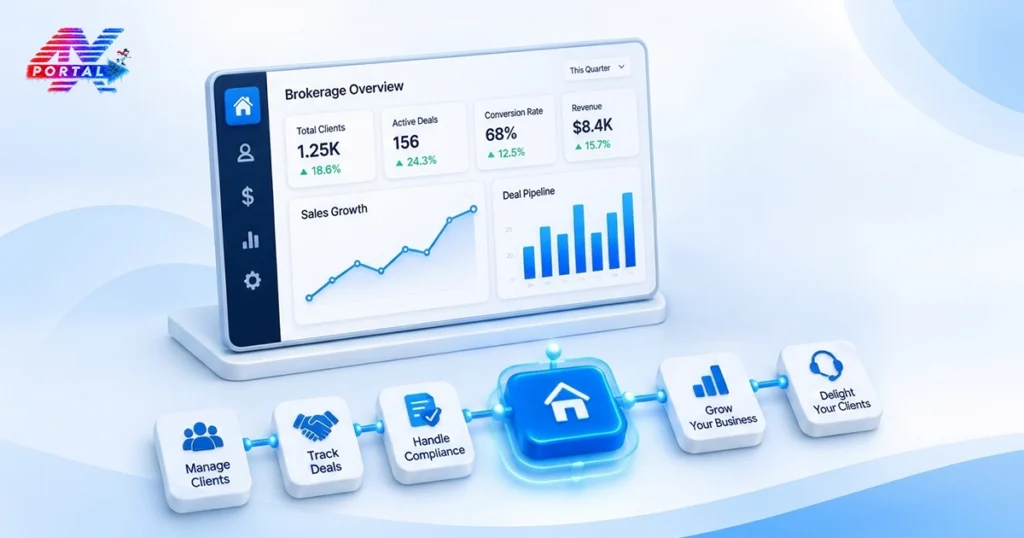
It brings lead capture, onboarding workflows, communication history, and reporting together in one platform, so your team works faster and your clients feel the difference.
Book a free demo of ATARIA CRM and turn a single signup into a smooth, lasting client relationship.






 CRM Solutions


 Consulting


 Services
 Company